Install the Gardening App
 By
By Install the Gardening Guider gardening app in two taps, straight from this page. No app store, no download, and it works offline for guides you have already opened.
Your whole garden, one tap away
Install Gardening Guider straight to your home screen — no app store, no download wait. It works offline, loads instantly and can send plant-care reminders like a real app.
App-feel without the app store
Instant & offline
Opens in a blink and pages you've visited work with no signal.
Care reminders
Alerts when it's time to water, feed or sow — like a paid plant app, free.
Home-screen icon
A tidy green leaf icon — one tap back into your garden.
How to install — takes 5 seconds
🤖 Android / Chrome
- Tap Install app above (or the browser ⋮ menu).
- Choose Install / Add to Home screen.
- Find the 🌿 icon on your home screen.
🍎 iPhone / Safari
- Tap the Share button (□↑).
- Scroll and tap Add to Home Screen.
- Tap Add — the icon appears.
💻 Desktop
- Click the install ⊕ icon in the address bar.
- Confirm Install.
- It opens in its own app window.
A gardening app that installs without an app store
The Gardening Guider gardening app is a progressive web app. That means it installs straight from your browser, in two taps, with nothing to download from Google Play or the App Store.
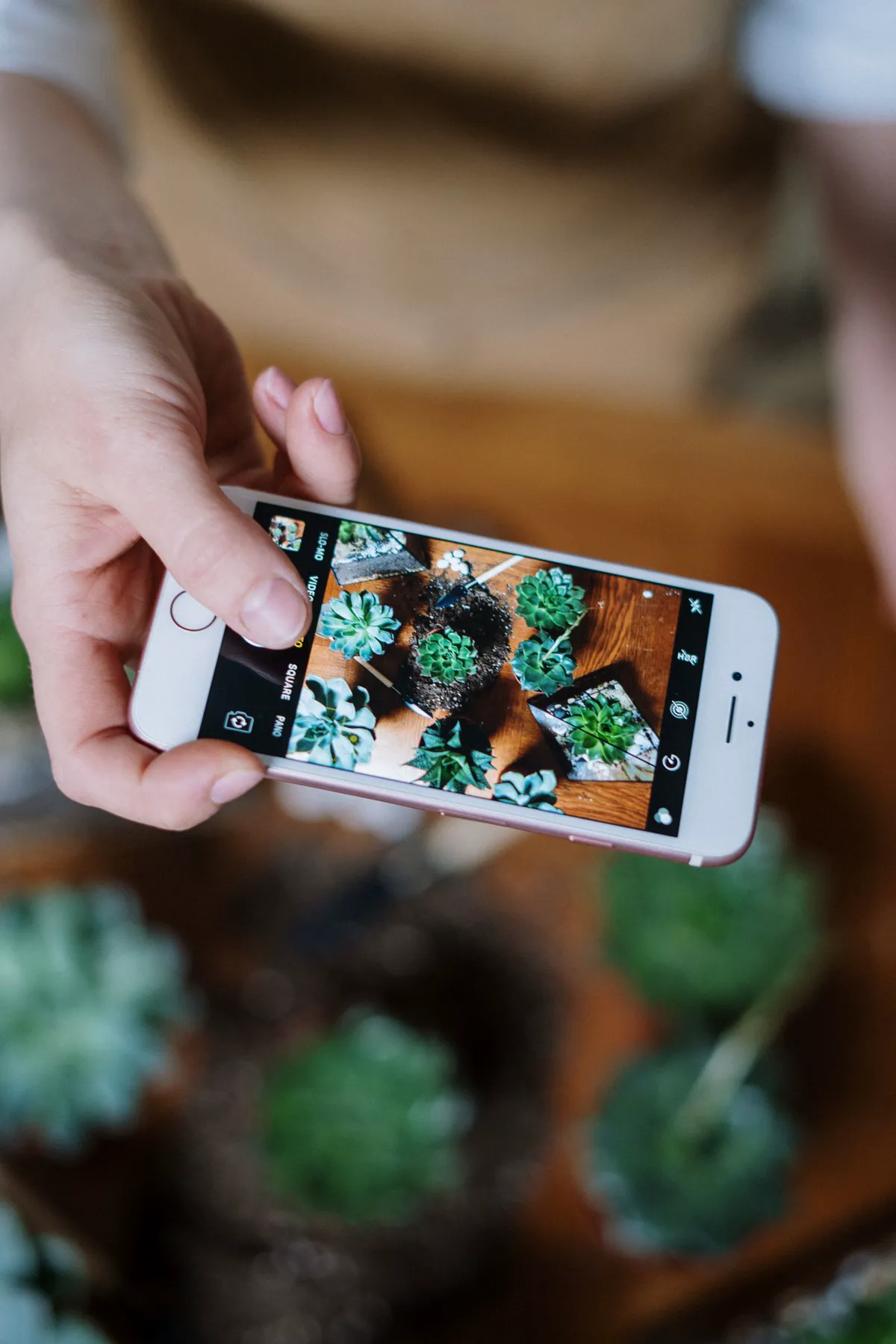
Once installed it behaves like any other app on your phone. Its own icon on the home screen, its own window, no browser address bar.
The install is small because there is no separate package. You are pinning the site itself, so the app is always the current version and never nags you to update.
Uninstalling is just as simple. Remove the icon and it is gone, with no account to close and no leftovers.
How to install it on your device
The steps differ slightly by browser, so use the row that matches yours.
| Device | What to tap |
|---|---|
| Android, Chrome | Menu, then Add to Home screen or the install prompt when it appears |
| iPhone or iPad, Safari | Share button, then Add to Home Screen |
| Windows or Mac, Chrome or Edge | The install icon in the address bar, or menu then Install |
| Firefox on Android | Menu, then Install |
If no install option appears, you are probably in a private window or an in-app browser. Open the site in your normal browser and it will show up.
The button above handles it automatically wherever the browser allows.
What you can do offline
An installed app is most useful when the signal is not. Sheds, greenhouses and allotments are famously bad for reception.
Pages you have already opened stay readable without a connection. So a guide you checked at home is still there when you are standing over the bed.
Some things genuinely need the internet and will wait until you are back online. Plant identification and photo diagnosis send images to a server. Frost dates and market prices fetch live data.
Calculators are the opposite. Spacing, soil, fertiliser and yield all run on your own device, so they work in a field with no bars at all.
Why a web app instead of a store app
Building the gardening app this way was a deliberate choice, and the reasons are worth stating.
- No tracking permissions to grant. A progressive web app cannot quietly reach your contacts or location without asking.
- No update treadmill. You always have the current version, because it is the site.
- Tiny footprint. Megabytes rather than hundreds of them.
- Works on everything. One app for Android, iOS, Windows, Mac and Linux.
- No store cut. Which is part of why this stays a genuinely free garden app rather than a paid one.
The trade-off is honest: a web app cannot do background notifications as aggressively as a native one. For a gardening site that is a fair price to pay.
What to open first
Once the gardening app is on your home screen, these are the screens most people use daily.
- My Garden — your plant list, journal and harvest log, with watering reminders that skip rainy days.
- Plant Identifier — point your camera at something and find out what it is.
- Plant Doctor — match symptoms to causes when a plant starts looking wrong.
- Planting Calendar — what to sow in your city this month.
- Topics index — every growing guide on the site.
An account is optional. It only matters if you want plans and journals saved across devices rather than on one phone.
🌍 Works worldwide — metric & imperial
🔄 Updated: 11 Aug 2026 💯 Free to read — no sign-up needed
🔔 Free · no store · no account
Install it on any device
Same free app, four platforms. Pick yours below — the one you are using right now is highlighted first. It takes a few seconds and costs nothing.
Android phone & tablet
- Open gardeningguider.com in Chrome.
- Tap the ⋮ menu (top right).
- Tap Install app (or "Add to Home screen").
- Open it from your home screen — allow notifications when it asks.
iPhone & iPad
- Open gardeningguider.com in Safari (this only works in Safari).
- Tap the Share button at the bottom.
- Scroll down and tap Add to Home Screen.
- Tap Add — the leaf icon appears with your other apps.
On iPhone, reminders arrive once you open the app from the home screen icon and allow notifications.
Windows
- Open the site in Chrome or Edge.
- Click the install icon in the address bar (a small screen with an arrow).
- Click Install — it opens in its own window and pins to your taskbar.
Mac
- Safari: File → Add to Dock.
- Chrome/Edge: click the install icon in the address bar, then Install.
- Launch it from the Dock like any other app.
What the reminders actually do
- Watering, on the plant's schedule — a snake plant and a basil pot do not get the same reminder.
- Weather-aware — a week of rain in your city pushes the watering reminder back.
- Feeding & repotting — the jobs everyone forgets, at the right time of year.
- Seasonal sowing alerts — what to plant this month where you live.
- Works offline — your saved plants and guides open with no signal.
🔒 Reminders are stored on your device and in your free account. We never sell your data, and you can turn any reminder off in one tap.